DAS Proof: a timestamp for a file's fingerprint on the XRP Ledger
What DAS Proof does, how a SHA-256 fingerprint and an XRP Ledger memo work together, and what a timestamp does NOT show. Verification is free. Educational content.

We have started building our new products on the XRP Ledger. One of them is already live: DAS Proof writes a file's fingerprint into a public XRP Ledger transaction, so anyone can check that a given file existed, exactly as it is, no later than a given time.
How does it work?
- You choose a file on dataanalyticsystem.com/proof.
- Your browser computes its fingerprint (SHA-256), a 64-character identifier. The file itself never leaves your device. Only the fingerprint is sent.
- A timestamp costs $1. The fingerprint is written into the memo field of an XRP Ledger transaction.
- Anyone can verify it, for free: on /proof/verify, drop the file or paste the fingerprint, and the transaction and ledger time appear.
What is a SHA-256 fingerprint?
A mathematical function that turns a file of any size into a 256-bit value. If a single byte of the file changes, the fingerprint is completely different. The file's content cannot be reconstructed from the fingerprint, so a timestamp does not make the document public.
What it shows, and what it does not
A timestamp shows that a given fingerprint was recorded on the ledger at a given time. Nothing more.
- It does not show who the author is.
- It does not replace a notary or any legal procedure.
- It does not store the file. If you lose the file, the timestamp alone will not bring it back.
5 things many people don't know
- The fingerprint depends on the format. The same text saved as Word and as PDF gives two different fingerprints. Always keep the exact file you timestamped.
- An XRP Ledger memo can hold up to 1 KB. A 32-byte fingerprint fits easily.
- The reference (minimum) network fee is 10 drops, that is 0.00001 XRP (1 XRP = 1,000,000 drops). It can rise under heavy load.
- You don't need our site to verify. The transaction is public and can be looked up in any XRP Ledger explorer (for example xrpscan.com).
- A timestamp does not expire. As long as the XRP Ledger runs, the transaction can be queried (older transactions via full-history servers).
In short
- File fingerprint (SHA-256) in your browser; the file is not uploaded.
- Timestamp: $1. Verification: free, for anyone.
- A timestamp shows a time, not authorship.
Educational content and a description of a data-processing service. Not investment, legal or tax advice.
Continue on DAI
Explore Topics
Written by
Data Analytic Investments
Content creator and writer sharing insights and stories.
Related tools & research
This article is a companion piece to the book.
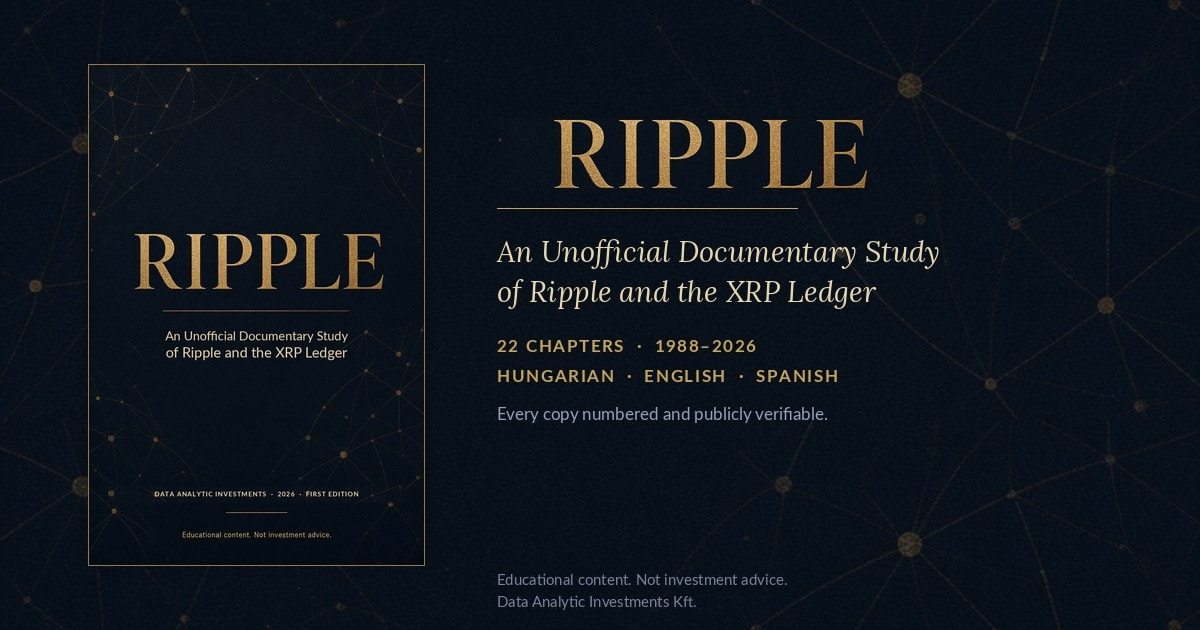
RIPPLE — the book
An Unofficial Documentary Study of Ripple and the XRP Ledger
22 chapters · every claim with a named source · numbered first edition · $29